How to Use Shutter Speed Creatively for Motion Blur & Freeze Frames

Understanding Shutter Speed
Learn to use shutter speed creatively to control motion and action. Shutter speed is one of the simplest camera settings—but also one of the most powerful.


What Shutter Speed Actually Controls
Shutter speed determines how long your camera’s shutter stays open.
-
Fast shutter = freeze action
-
Slow shutter = create motion blur
You’re essentially deciding how much movement you want to show.
Shutter Speed, Light & Exposure
Faster shutter speeds let in less light; slower shutter speeds let in more.
This affects your ISO and aperture choices later.
Why Creative Shutter Speed Matters
Shutter speed is more than a technical tool—it’s a storytelling device.
Controlling Movement and Storytelling
You can decide whether a moving subject looks intense, peaceful, energetic, or chaotic based on how much motion you show.
Shaping the Emotion of the Scene
Slow, silky water feels serene.
A frozen splash feels dramatic.
Light trails feel futuristic and dynamic.
Your shutter speed sets the emotional tone.
Essential Shutter Speed Techniques
These are the core skills every photographer should learn.
Freezing Fast Action
To freeze motion, you need a fast shutter speed.
Best Fast Shutter Speeds
-
1/500 sec – walking or casual movement
-
1/1000 sec – running, kids, street action
-
1/2000 sec – sports and wildlife
-
1/4000 sec – extremely fast action (birds in flight)


Capturing Motion Blur
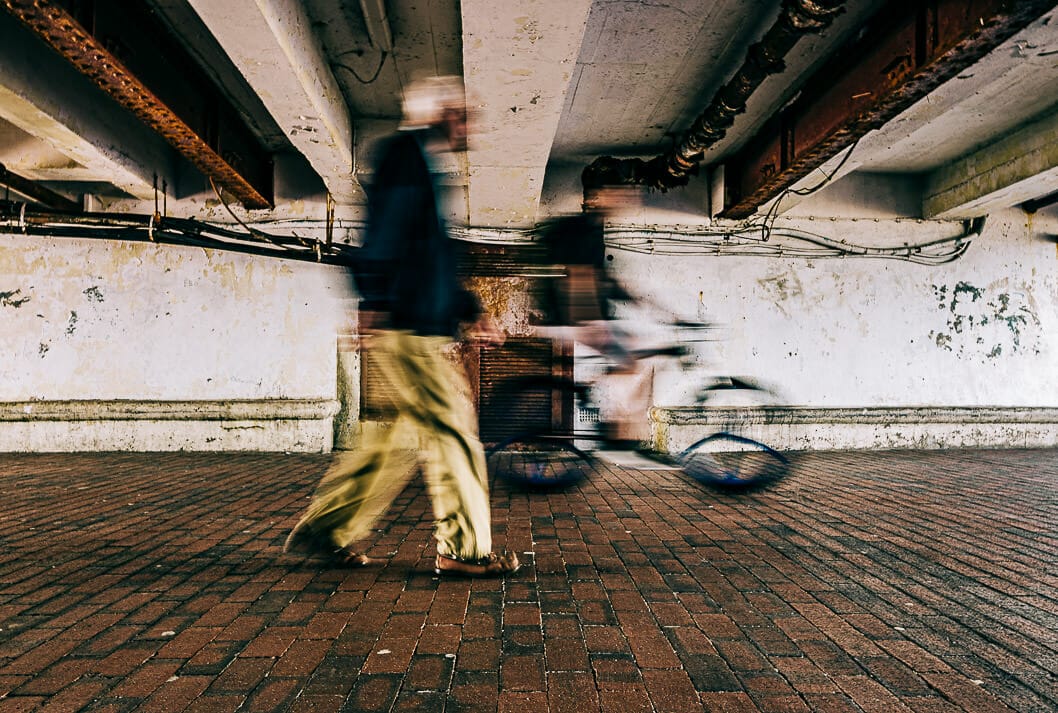
Motion blur adds life and energy to a scene.
Best Slow Shutter Speeds
-
1/30 sec – slight blur, great for street movement
-
1/15 sec – softer, more noticeable blur
-
1/8–1 sec – dramatic blur for waterfalls, crowds, traffic
This technique works wonders for storytelling.

Mastering Long Exposure
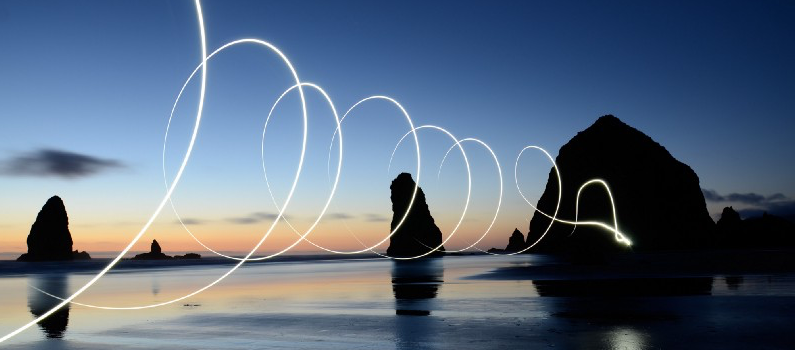
Long exposures (1–30 seconds or more) create surreal, dreamy scenes.
Use them for:
-
Milky waterfalls
-
Smooth oceans
-
Night light trails
-
Cloud movement
A tripod is essential here.

Recommended Camera Settings for Creative Motion
Shutter speed doesn’t work alone—it’s paired with aperture and ISO.
ISO and Aperture Pairings
-
Fast shutter = higher ISO + wider aperture
-
Slow shutter = lower ISO + narrower aperture
This balance ensures proper exposure while achieving your desired effect.
Using ND Filters
Neutral Density filters reduce the amount of light entering the lens.
They allow slow shutter speeds even in bright daylight—perfect for waterfalls or ocean blur.
Tripod vs. Handheld Techniques
-
Tripod → best for long exposures
-
Handheld → possible for 1/30–1/60 sec with good stabilization
Use the reciprocal rule:
Shutter speed should be at least the inverse of your focal length.
(e.g., 1/50 sec for a 50mm lens)
Creative Motion Photography Ideas
Here are fun ways to practice shutter speed creatively.
Waterfalls & Rivers
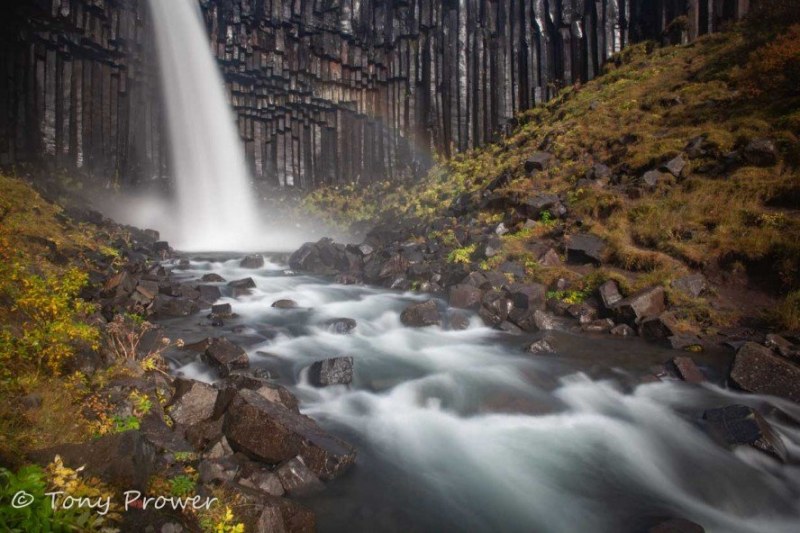
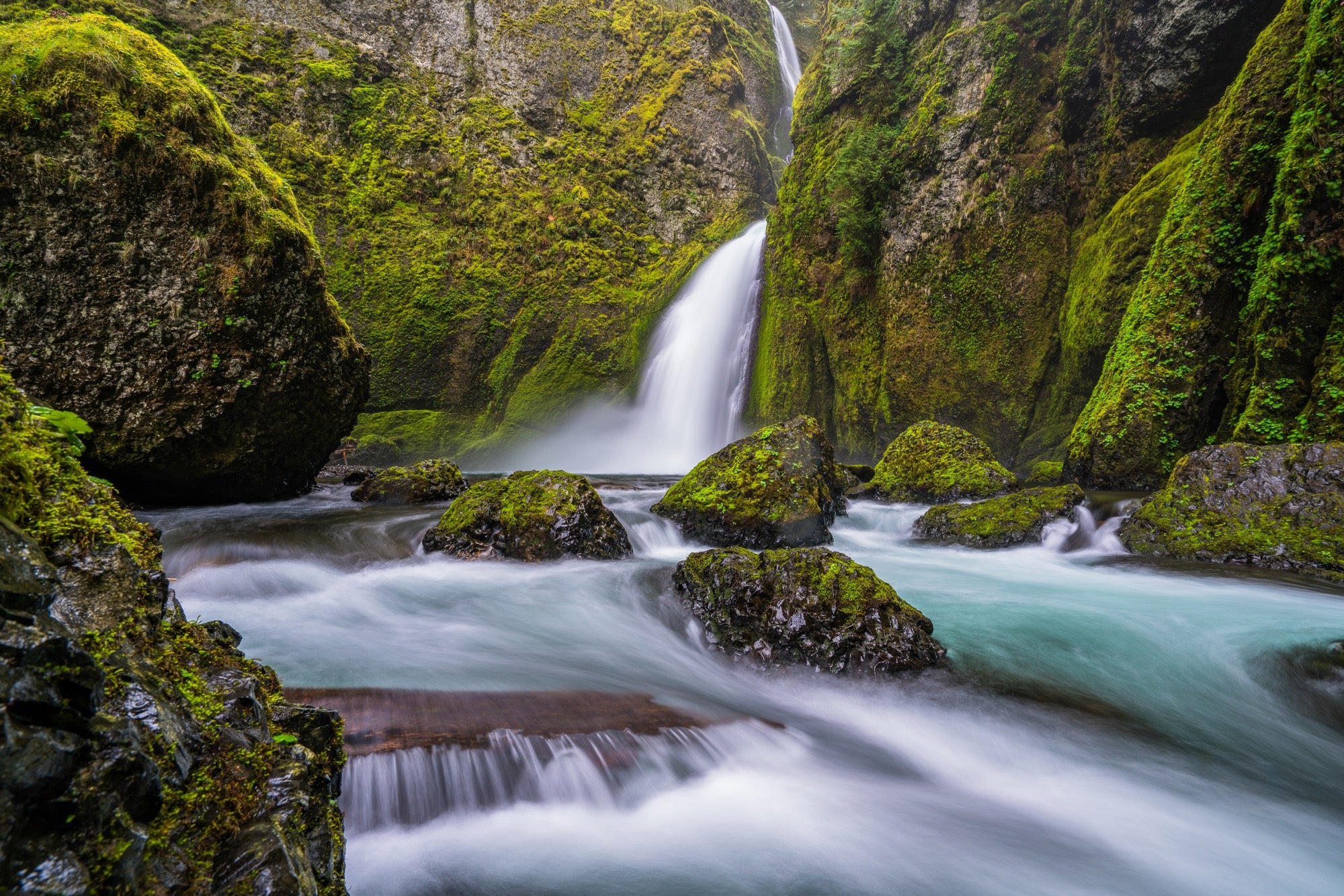
Slow shutter speeds create silky, soft water textures.
Recommended settings:
-
Shutter: 1/4 sec – 2 sec
-
ISO: 100
-
Aperture: f/8–f/16
Light Trails at Night
Use a long exposure to capture car lights as flowing streaks.
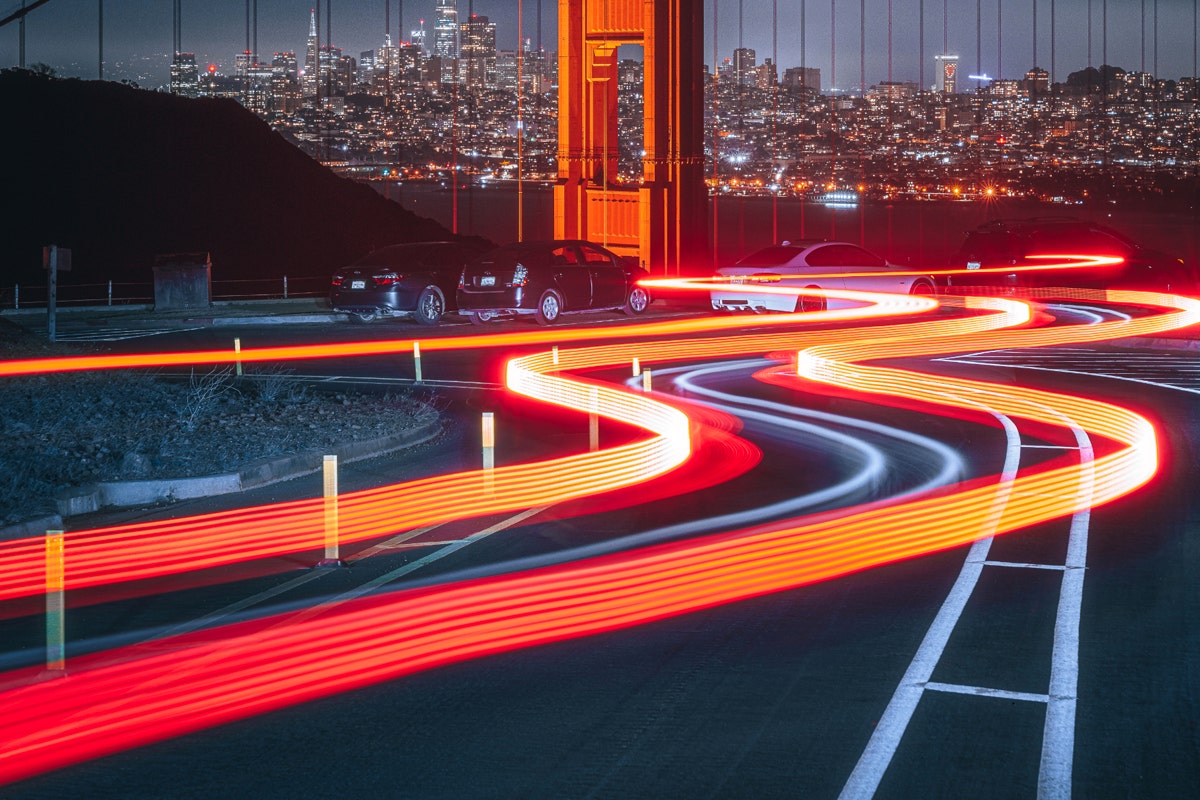
Typical settings:
-
Shutter: 5–20 sec
-
Tripod: mandatory
-
Aperture: f/8–f/11
Sports & Wildlife
Freeze the peak action—or show the motion trailing behind.
Examples:
-
Freeze a bird mid-flight using 1/2000 sec
-
Show a running athlete with slight motion at 1/250 sec
Street Photography Motion
Intentional motion blur adds storytelling:
-
People walking
-
Cars passing
-
Cyclists moving through frame
Experiment with 1/15–1/40 sec.

How to Practice Creative Shutter Speed Techniques
Practice is the best teacher.
Location Scouting
Find places with movement:
-
rivers
-
traffic
-
crowds
-
birds
-
amusement parks
Movement = opportunity.
The “Step Down” Experiment
Choose a moving subject and shoot it at:
1/1000 → 1/500 → 1/250 → 1/125 → 1/60 → 1/30 → 1/15 → 1 sec
This teaches you exactly how shutter speed changes the final image.
Common Mistakes (and How to Fix Them)
Let’s troubleshoot typical shutter speed problems.
Overexposure in Long Exposures
Fix it by:
-
Lowering ISO
-
Narrowing aperture
-
Using an ND filter
Unwanted Camera Shake
Stabilize by:
-
Using a tripod
-
Turning on lens stabilization
-
Using a remote shutter or timer
Motion Blur in the Wrong Places
Use a faster shutter or track your subject (panning).
Conclusion
Shutter speed is one of the most creative tools in photography. Once you learn to use shutter speed creatively to control motion and action, you unlock endless possibilities—from freezing a droplet midair to painting your scene with beautiful motion blur.
Whether you’re shooting energetic street moments, calming landscapes, or dramatic night scenes, shutter speed gives you full artistic control. Practice intentionally, experiment freely, and have fun shaping the emotion of each frame.
FAQs
1. What’s the best shutter speed for beginners?
Start with 1/125 sec—it’s a safe baseline before experimenting creatively.
2. How do I avoid blurry photos when shooting handheld?
Use the reciprocal rule and image stabilization.
3. Can I shoot long exposures without ND filters?
Yes—just shoot in low light or wait for sunset.
4. Is motion blur always bad?
Not at all! Intentional motion blur adds storytelling and energy.
5. What mode should I use for creative shutter work?
Shutter Priority (S or Tv) is great for beginners; Manual gives full control.
Further photo tips here:
https://phototipsgalore.com/long-exposure-photography-create-stunning-light-trails-and-smooth-water/ https://phototipsgalore.com/how-to-fix-overexposed-or-underexposed-images-in-lightroom/ https://phototipsgalore.com/how-to-photograph-waterfalls-like-a-pro/